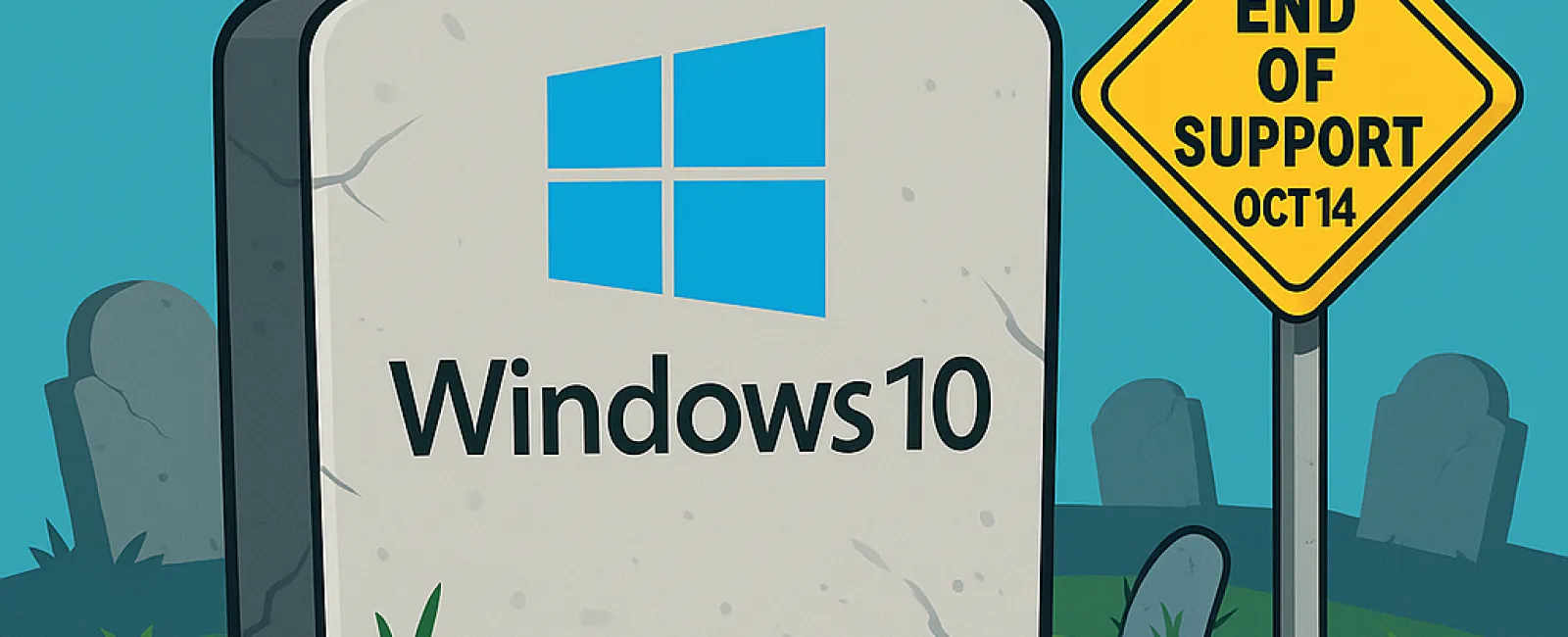
Important Notice: Microsoft will officially end support for Windows 10 on October 14, 2025. Although your PC will continue to function beyond this date, Microsoft will cease delivering critical services such as security patches and technical support that keep your system safe and efficient.
Why This Matters for Business Owners
- Heightened Security Threats: Operating without regular updates exposes your devices to increased risks from viruses, malware, and cyberattacks, jeopardizing your sensitive business information. Upgrading to a modern Windows version safeguards your data integrity.
- Software Compatibility Concerns: As software developers update their applications to align with newer operating systems, outdated Windows 10 may cause program malfunctions or prevent them from running entirely.
- Regulatory Compliance Risks: Companies handling confidential data or adhering to strict regulations must use supported systems to avoid non-compliance penalties. Staying updated is essential to meet legal obligations.
What Are Your Upgrade Choices?
Microsoft recommends transitioning to the newest Windows version before support ends. However, some current Windows 10 devices may not meet the hardware criteria for Windows 11, resulting in upgrade errors.
If your PC isn't compatible with Windows 11, consider these options:
- Purchase a new PC that fully supports Windows 11.
- Enroll in Microsoft's Extended Security Updates program (details below).
- Switch operating systems to alternatives like Linux.
- Continue using Windows 10 without support (not recommended due to security and compliance risks).
Before making any changes, ensure all your data is securely backed up to avoid any loss during the upgrade process.
Understanding Extended Support for Windows 10
If immediate upgrading isn't feasible, Microsoft offers Extended Security Updates (ESU) for Windows 10, providing critical patches for up to one year post end-of-life. This is a temporary measure, not a long-term fix.
To access ESU, you can either pay a $30 fee or redeem 1,000 Microsoft Reward points. Alternatively, there's a no-cost option requiring you to enable Windows Backup syncing to OneDrive cloud storage. Note: OneDrive provides 5 GB of free space, but larger backups may require purchasing additional storage.
Don't delay your ESU registration — sign up before the October 14 deadline to remain protected.
Seamlessly Managing Your Windows Upgrade
Partnering with a knowledgeable IT expert can simplify this transition. A skilled IT team will assess your environment, recommend the best upgrade path, and execute the process efficiently to minimize downtime.
If you need personalized guidance through this crucial upgrade phase, contact our team to schedule your FREE 15-Minute Discovery Call. In this brief consultation, we'll outline the most effective strategies to move your business to Windows 11 securely and smoothly. To book, call us at 253-292-3329 or click here.