Spring cleaning often begins with closets, but businesses face a different kind of clutter — one that's hidden in storage rooms, back offices, or even buried under piles marked "we'll handle this later."
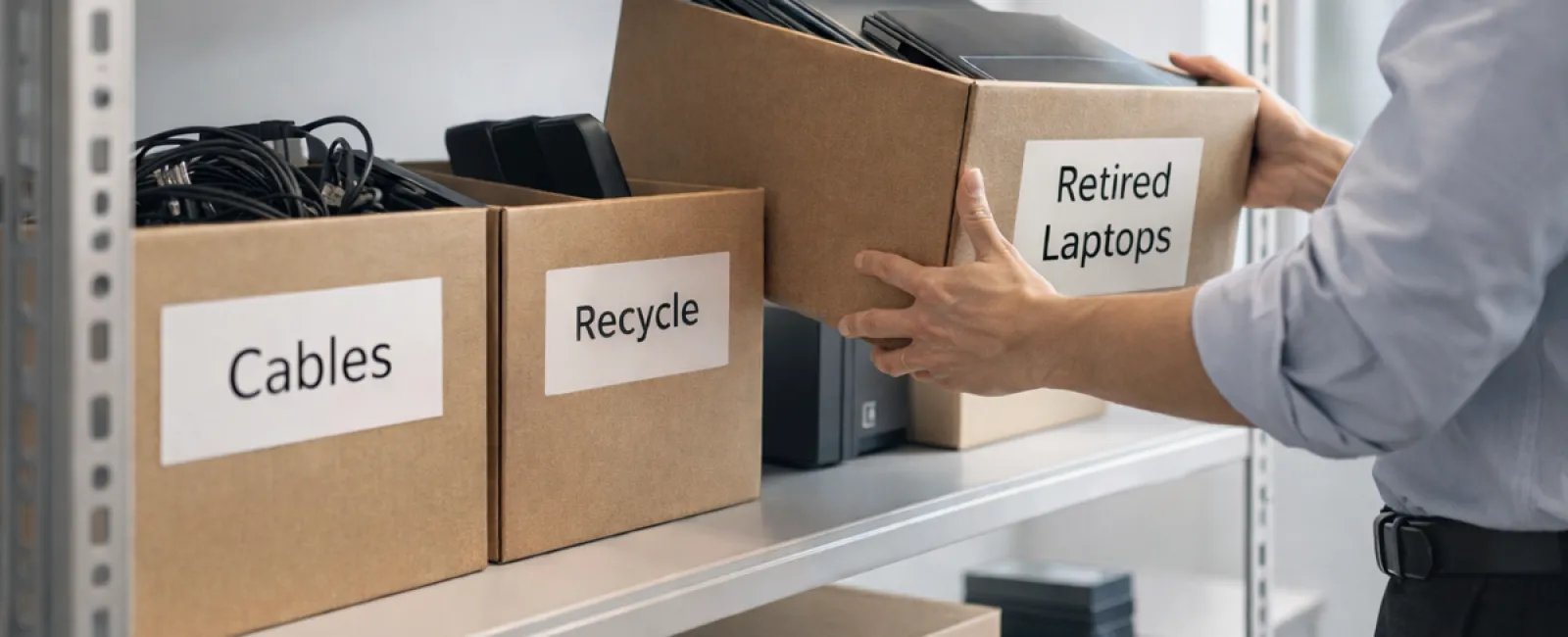
It might be stored on a server rack or gathering dust as retired laptops, outdated printers, backup drives from previous upgrades, or unopened boxes of cables saved "just in case."
Every company accumulates this technology debris over time.
The real question is: Do you have an effective plan for what happens to it next?
Technology Has a Lifecycle — Beyond the Purchase Date
When acquiring new devices, the reasons are clear — greater speed, enhanced security, increased capabilities, or support for expansion.
While most businesses carefully plan technology acquisitions, few develop a strategy for retiring old equipment.
Retiring old technology usually happens quietly — a device is replaced, then set aside until space clearance becomes necessary.
This is common practice.
What's rare is treating technology retirement with the same focus and planning as purchasing new gear.
Outdated equipment still holds value — whether through reuse, recyclable parts, or stored data — yet it can become a burden if left unchecked, occupying valuable space and attention.
Spring offers a perfect moment to assess: What devices are still useful, and which are just occupying space?
An Actionable Plan to Streamline Your Tech
To turn this into a purposeful effort rather than a casual thought, follow our straightforward four-step method.
Step 1: Conduct an Inventory
Identify exactly what hardware is ready for retirement — laptops, phones, printers, network devices, external storage? You can't manage what you don't know you have, and a thorough walk-through often uncovers more than expected.
Step 2: Determine Each Device's Fate
Typically, devices fall into reuse (internal redeployment or donation), recycling via certified e-waste programs, or secure destruction when sensitive data is involved. The key is making these decisions deliberately, avoiding letting hardware languish indefinitely.
Step 3: Prepare Devices Securely
Proper preparation is crucial.
For reuse or donation, remove devices from your management systems, revoke user access, and thoroughly wipe data with certified tools — not just factory resets. Simply deleting files or quick formatting leaves recoverable data.
According to data security firm Blancco, 42% of secondhand drives sold on eBay still held sensitive information like tax records and passports, despite claims they were wiped. Certified erasure tools overwrite all sectors and provide verification reports.
For recycling, partner with certified e-waste providers — avoid dumpsters or curbside drops. Note that household recycling programs like Best Buy's don't accept business equipment.
Businesses need certified IT asset disposition (ITAD) firms with e-Stewards or R2 certification (find providers at e-stewards.org and sustainableelectronics.org). Your IT team can often help coordinate.
If destruction is required, use certified wiping or physical destruction methods like shredding or degaussing, and keep detailed records — including device serial numbers, methods used, dates, and personnel involved.
This approach isn't about paranoia; it's about responsibly closing the technology lifecycle.
Step 4: Document and Finalize
Once equipment leaves your premises, ensure you know its destination, handling process, and confirm that all access privileges have been revoked. Keep comprehensive records to eliminate any lingering doubts.
Often Overlooked Devices
While laptops are usually top of mind, many other devices are commonly forgotten.
Phones and Tablets may still store emails, contacts, or authentication apps. Although factory resets cover most data, certified mobile wipe tools offer deeper cleansing. Major brands like Apple and Samsung have trade-in programs — even for older models — which can earn you credit on new purchases.
Printers and Copiers often include internal hard drives storing every scanned, printed, copied, or faxed document. When returning leased equipment, always get written confirmation that drives will be wiped or removed before redeployment.
Batteries are considered hazardous waste by the EPA and illegal to dispose of in regular trash in many states (California, New York, Minnesota). Remove batteries when possible, tape terminals to prevent shorts, and bring them to certified drop-off points. Find locations at Call2Recycle.org or use in-store programs at Staples, Home Depot, or Lowe's.
External Drives and Retired Servers tend to remain stored longer than planned. Though not inherently problematic, they deserve the same careful retirement process as other equipment.
Responsible Recycling Insight
Earth Day reminds us each April why proper recycling matters.
Electronic waste is a massive problem worldwide — over 62 million metric tons annually, yet only 22% is recycled correctly. Batteries, monitors, circuit boards and other components require proper channels. Fortunately, many communities offer certified e-waste recycling to meet this need.
Handled correctly, retiring technology is not only operationally efficient but also environmentally responsible and smart from a strategic perspective. You can protect your business while doing right by the planet.
Sharing your responsible practices on social media also helps build positive customer perception — often quietly, but effectively.
Unlocking Bigger Possibilities
Spring cleaning is less about disposal and more about creating space for growth.
Clearing obsolete equipment is just one element. While reassessing hardware, also ask: Does our technology truly support our business goals?
Hardware changes, but software, automation, and process design drive lasting productivity and profitability.
Properly retiring old devices keeps you organized. Aligning the rest of your tech stack with your objectives powers your business forward.
How We Can Support You
If you've already established a clear equipment retirement process, that's ideal — it should feel seamless.
At the same time, it's a great opportunity to review your broader technology landscape. Are your systems efficient? Do your tools integrate effectively? Is your technology optimizing growth rather than just maintaining basic operations?
If you're interested in stepping back to evaluate how your tech stack, systems, and workflows enhance your productivity and profitability, we're ready to help.
No equipment checklists or sales pitches — just an honest conversation about optimizing technology for your business success.
Click here or give us a call at 253-292-3329 to schedule your free 15-Minute Discovery Call.
If this inspired you, feel free to share it with other business owners.
Don't limit spring cleaning to closets — extend it to the vital systems that keep your business thriving.